
Simon, here's BC Crew.
Every hour on every site, recorded right. Without watching anyone.
One app for clocking on, allocating crews and offering shifts. Works with no signal, built around each role, and designed so the CFMEU and ETU have nothing to object to.
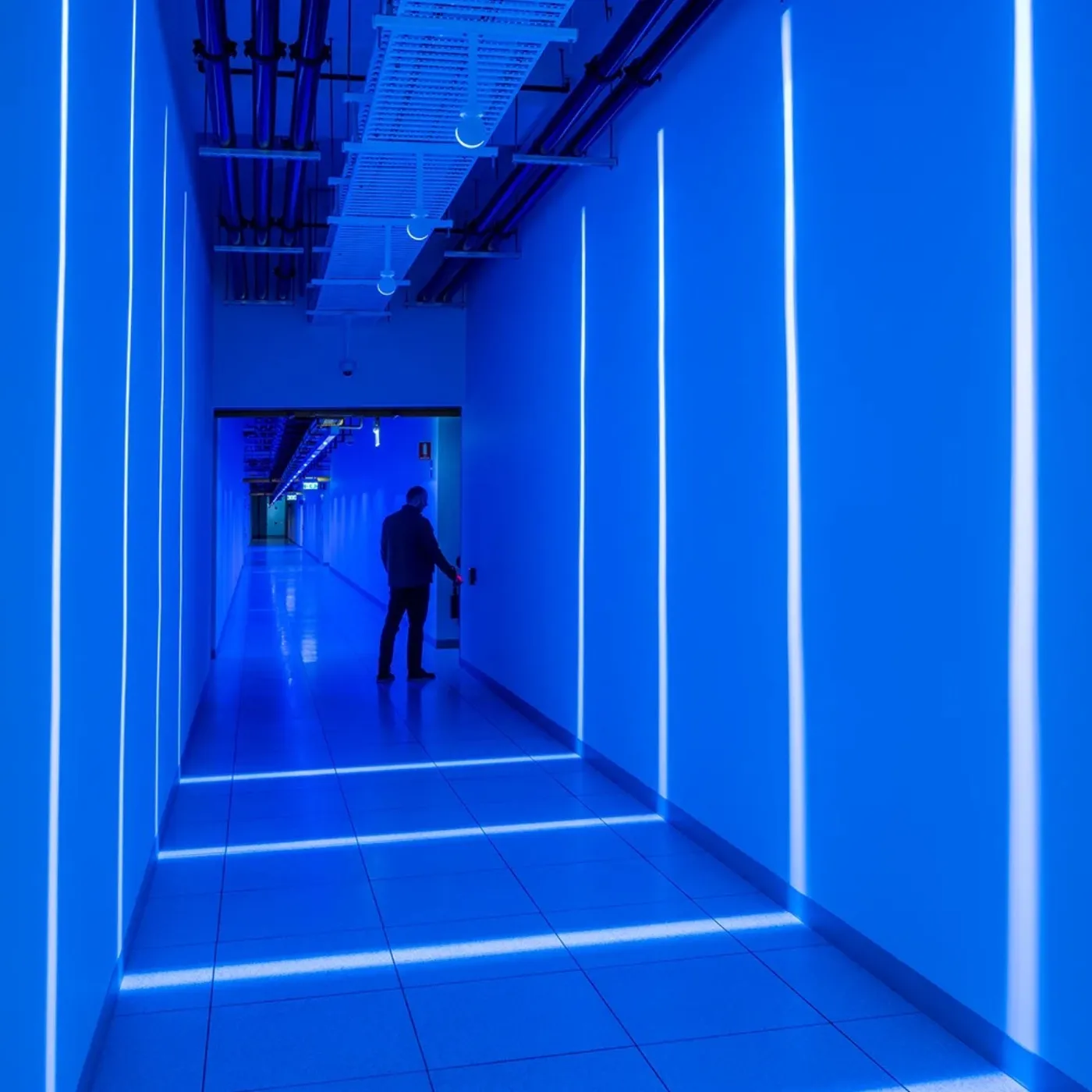
What we heard on site.
Today a worker scans a code into a Google Form and it lands in a Google Sheet. It works, but the office cleans it up every week, and nobody can see who is on the floor right now. Two fixes were tried, location tracking and facial recognition, and the unions flagged both.
Today
- A form anyone can fill in for a mate
- The Sheet tidied by hand before payroll
- No live headcount for a muster
- Crews allocated by phone and text
- Overtime offered one call at a time
- Disputes come down to "I was there"
With BC Crew
- Each clock-on signed by the worker's own phone
- Supervisor approves, payroll file ready
- Live muster list for every site
- Crew board per site, per day
- One offer to the right trade, first to accept
- Every record and edit logged, and the worker sees their own
Proof someone is on site, without watching them.
The old systems proved presence by watching the worker. BC Crew has the worker scan the site, using a phone only they can unlock.
The gate shows a code
A locked tablet at the gate shows a code that changes every 30 seconds. It works with no internet. A photo sent to a mate at home has already expired.
Only that worker's phone counts
Each worker sets up once with a passkey. Their phone's own lock protects it. The face or PIN never leaves the phone and Barnwell never receives it.
The code proves the time
The scanned code shows exactly which 30 seconds it came from. Even offline, with the phone's clock set wrong, the record shows the real time.
A person signs off
The supervisor confirms pre-start and approves the week. Anything odd is flagged for a person. The app never docks pay on its own.
What BC Crew will never do
- Facial recognition, or collect any face, fingerprint or other biometric
- Track location during the shift, after hours or in the background
- Rank, score or discipline anyone on clock data
- Change a time record without a name and a reason
What it does instead
- The rotating site code proves the worker was at the gate
- Who is on site comes from who clocked on, not from GPS
- Workers see and query their own hours in the app
- A plain-English page for delegates: what's collected, who sees it, how long it's kept
Built around every role.
Everyone sees only what their job needs, for the sites and crews they look after. One person can hold more than one role, such as a leading hand who also clocks on.
No signal, no problem.
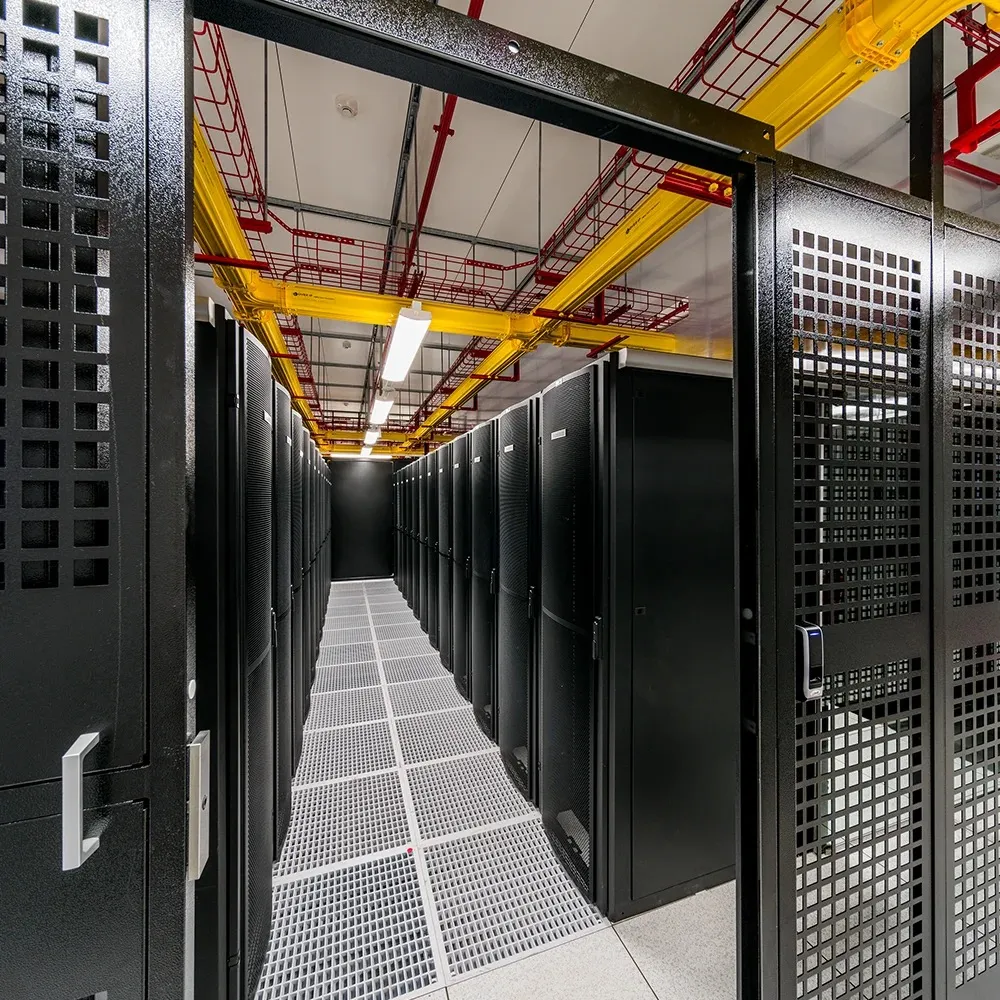
Data halls, plant rooms and basements kill reception. BC Crew is built to work there first, and sync when it can.
- Clock on with no signal. The scan is saved on the phone and sent when it reconnects. The record keeps the real time from the gate code.
- The gate tablet needs no internet. It makes its codes on the device and reports in when it can.
- Nothing doubles up. Every scan has its own ID, so a phone retrying ten times still makes one record.
- Rosters and crews are on the phone. The leading hand's crew board and each worker's shifts open without signal.
- Offers still arrive. If a shift offer isn't opened in the app in time, it follows up by SMS.
- Late syncs are flagged, never lost. The supervisor sees them and decides.
Built to the rules the last systems ran into.
We start from the law and the unions' concerns, then design inside them. A solicitor signs off the worker notice and policy wording before go-live.
The full app, item by item.
items, grouped by what they do. This is the complete app, not a cut-down first version. The order they're built in is on the next page.
From first meeting to every site.
We prove it on one site before it goes anywhere else. Time and timesheets first, because that's where the money is. Crews and shift offers follow once the records are trusted.
Timeline is indicative and confirmed after discovery. The current Sheet keeps running until the pilot shows the new records match it.
On every phone, under Barnwell's name.
How it's priced.
Two parts. The build is a fixed price for everything on the spec. The monthly retainer keeps it running, supported and improving. We'll set the build figure together at the walkthrough, once the site count and payroll link are confirmed.
Once
The build
Agreed at the walkthrough
Fixed price, paid against milestones: spec signed off, pilot live, all sites live. GST on top.
Monthly, from go-live
The retainer
From A$4,000 a month + GST
What stays Barnwell's.
Your data
Every record belongs to Barnwell. It's stored in Australia and can be exported in full at any time, in plain formats.
Your accounts
The apps are listed under Barnwell's own Apple and Google accounts. The cloud account and domain are in Barnwell's name. RR works inside them as an administrator.
Your say
A fortnightly demo on real Barnwell data while we build, and a monthly review once it's live. Nothing reaches workers without your sign-off.
Your way out
If you ever move on, we hand over a full data export and help move to whatever comes next.
Next steps
- Walk through this with Simon, and agree the pilot site
- Two discovery sessions with site operations and payroll
- Delegate walkthrough of the consultation pack
- Build starts
Adam Rafaraci Director, RR Consulting Group Pty Ltd 0411 433 690 adam@rrconsult.ing